

XLR, Jack and Mini-Jack: Understanding the types of cables for the home studio
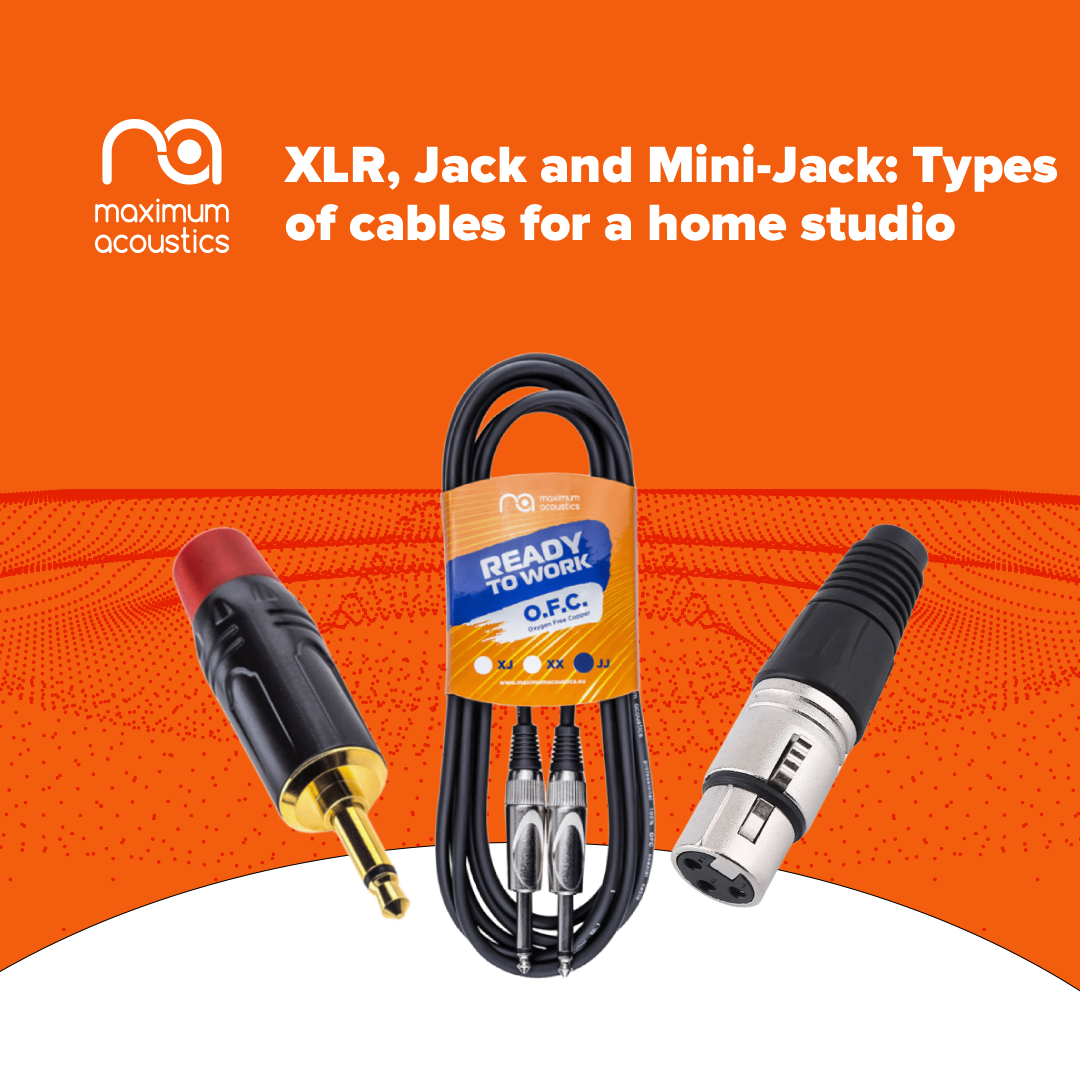
A cable in a home studio is not just an accessory and not a “consumable.” It is a real nervous system that transmits the signal between all devices: the microphone, audio interface, mixer, monitors, headphones, and instruments. Sound travels through cables — and this is exactly where problems often arise, ruining the impression even of top-tier equipment. After all, you can have an expensive microphone and a professional interface, yet still get crackling, background noise, or a “muffled” sound simply because of incorrect routing or an unsuccessful connector type.
To avoid common mistakes, it is important to understand the difference between XLR, Jack, and Mini-Jack — and to know which cable you specifically need.
XLR — the professional standard for a clean signal
XLR is a classic 3-pin connector most often associated with professional studio audio. Its main feature is that it allows the signal to be transmitted in a balanced connection format, which means better protection against noise, interference, and electrical hum. This format is especially useful when the cable is long or when there is a lot of equipment nearby — for example, a computer, router, power supplies, or streaming lights.
XLR is also the standard solution for microphones, so when you need a reliable microphone cable, it is almost always an XLR. Another important point is that XLR supports +48 V phantom power, without which condenser microphones simply cannot operate. That is why many beginners and podcasters aim to buy an XLR cable when building their first studio or upgrading their routing.
6.3 mm Jack — a universal “studio” connector
The 6.3 mm Jack is that same large plug often called a “guitar” connector. It is found in a huge number of devices: electric guitars, bass guitars, keyboards, consoles, studio processors, and some audio interfaces.
It is important to know that Jack connectors can be different, and the key difference here is the signal type. If the plug has only one black ring, it is TS, and it transmits a mono unbalanced signal. This option works well for a guitar or simple connections, but it is more sensitive to interference.
If the plug has two black rings, it is TRS, and it can work either as stereo or as a balanced cable. In a studio environment, TRS is often used specifically for balanced connections between devices — for example, from an audio interface to monitors or to a mixer.
3.5 mm Mini-Jack — compactness for gadgets and portable recording
The 3.5 mm Mini-Jack is the most common connector in consumer electronics. Everyone knows it from headphones, laptops, smartphones, and portable recorders. In a home studio, this type of connection is also often needed — for example, when you need to connect headphones to a laptop, output sound from a phone, or record material to a portable device.
However, Mini-Jack has a nuance: it is very sensitive to contact quality, so cheap adapters or cables can cause crackling, unstable sound, or the loss of one channel. That is why it is important not to save money on adapters if you regularly work with 3.5 mm. In such cases, a 3.5 to 6.3 jack adapter becomes especially useful, as it allows you to connect “consumer” devices or headphones to studio equipment without unnecessary issues.
XLR-Jack — when you need these connectors together
In home studios, it is common to face situations where equipment of different classes has different inputs. For example, a microphone has XLR, while a mixer or active speakers have only Jack. In exactly such scenarios, XLR-to-Jack cables or appropriate adapters are used.
But here it is important to remember the main rule: if you work with a condenser microphone, it may not work through XLR-to-Jack, because in most cases phantom power is not transmitted through Jack. In other words, the cable may physically fit, but technically the microphone will remain “without power,” and there will simply be no signal.
Adapters — a small detail that saves the studio
Adapters in a home studio are like universal keys: without them, everything can stop at the worst possible moment. They allow you to quickly connect studio headphones to a laptop, connect a mixer to a recorder, or connect equipment of different standards.
The most common example is a 3.5 to 6.3 jack adapter, which is needed by almost everyone who uses studio headphones or audio equipment together with a laptop, phone, or portable devices. And again: quality is critically important here, because a poor adapter can “add” noise even to the cleanest signal chain.
Understanding connector types is not theory “for sound engineers,” but a practical skill that saves money, time, and nerves. If you need a clean voice recording, a stable stream, or a high-quality podcast — you should start with the right cable. XLR is best suited for microphones and studio work, 6.3 mm Jack remains a universal solution for instruments and equipment connections, and Mini-Jack is convenient for gadgets and portable recording, but it requires high-quality adapters.
If you are planning to buy an XLR cable, choose a reliable microphone cable, set up a balanced connection, or are looking for a high-quality 3.5 to 6.3 jack adapter, take a look at the selection in our catalog — it includes cables, connectors, and adapters for home studios, musicians, and streamers.
Leave your comment